

How to Remove Border Radius from an Active Accordion in Elementor
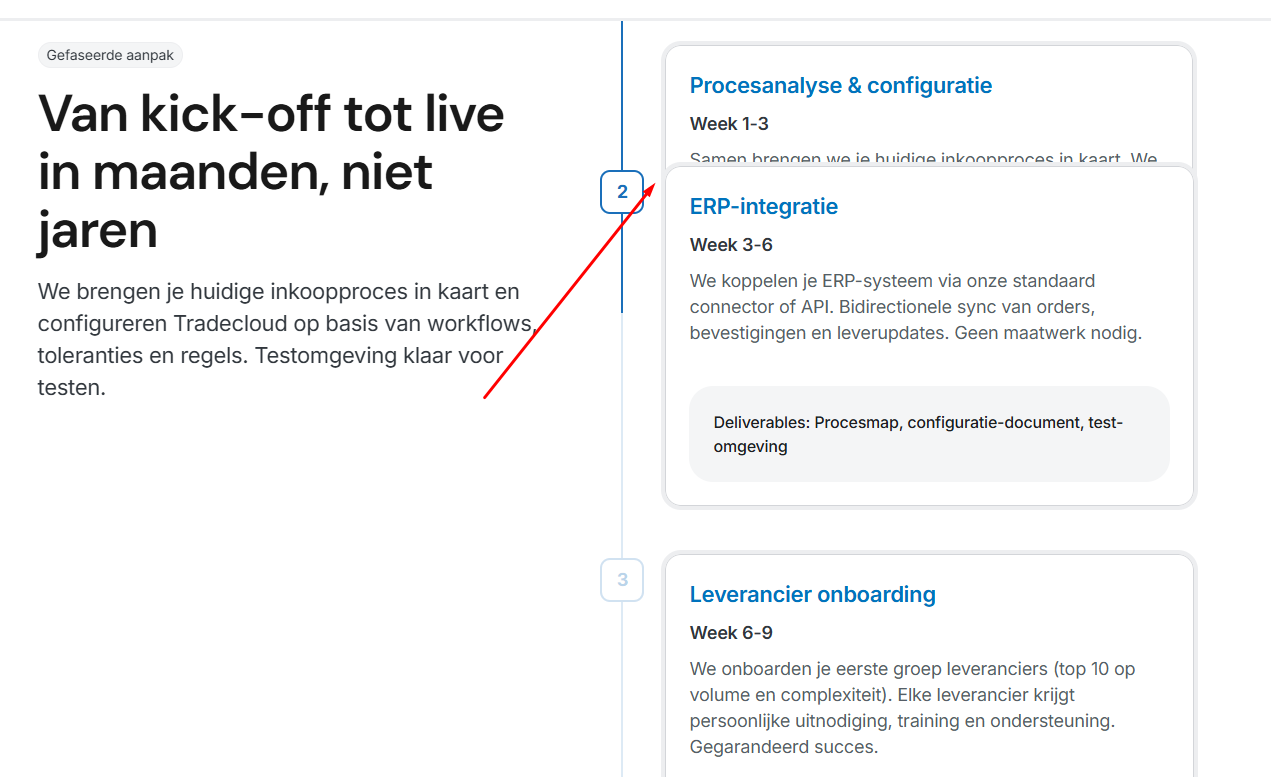
When working with the Elementor Nested Accordion widget, you might notice that after clicking the header, a bottom border or border radius remains visible. This often creates a small visual gap between the accordion header and its content area, which can break the clean design look.
To make the accordion open smoothly without any border or rounded corner at the bottom of the header, you can use the CSS below.
selector .e-n-accordion-item[open] summary{
    border-bottom: none !important;
    box-shadow: none !important;
}

selector .e-n-accordion-item[open] .e-n-accordion-item-title {
    border-bottom-left-radius: 0 !important;
    border-bottom-right-radius: 0 !important;
}
This code targets only the accordion item that is currently open. It removes the bottom border and shadow from the header and also removes the bottom border radius, so the header connects perfectly with the content section.
You can add this CSS inside the Advanced → Custom CSS section of the widget (if you are using Elementor Pro). If you are adding it globally from WordPress Customizer, replace the word selector with the main accordion wrapper class.
This small adjustment makes your accordion design look more professional and visually consistent.
If you want, I can also structure this as a portfolio-ready documentation section for your website.